
Are you a parent with a school-aged kid? Or maybe someone like me who'll soon have one? Well, I just discovered a fun way of teaching kids how to read and write! I have a lot of friends who are teachers and they always tell me the best way for my kid to start reading is to teach her phonics sound and sight words. Honestly, I didn't know where to start. I have those flash cards but my daughter never really got interested in them. Until, I learned about Red Apple Reading program.
First, you have to create an account at RedAppleReading.com and then input your child/ren's details so you can track their progress. You are allowed to enter up to three (3) profiles. From their website, you can also change your profile and manage your subscription. You'll also find additional downloadable resources for your computer. I have two (2) downloaded apps in our laptop out of the ten (10) they have at the moment.


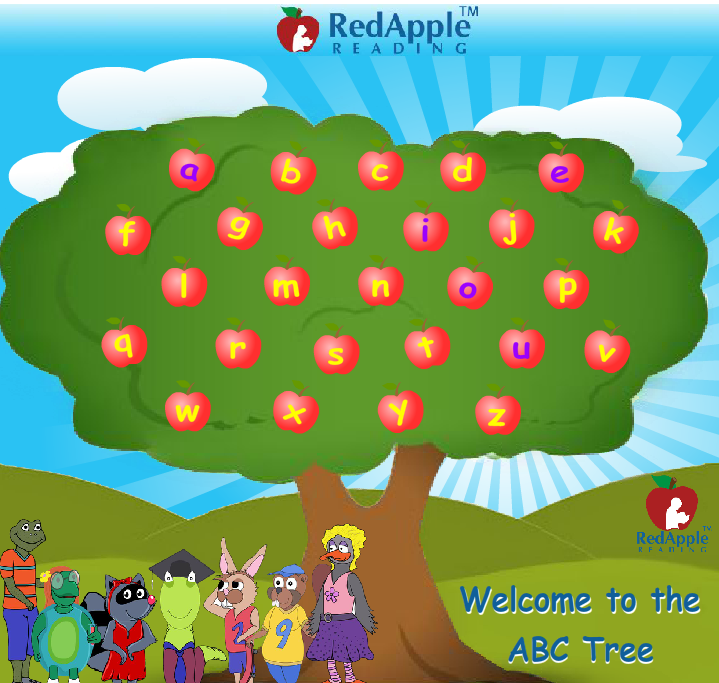
If you'll notice above, the vowels are purple and the consonants are yellow. When you hover on a letter, it will turn blue. Let's look at the Letter A as an example. Here's the discussion order to which it was presented:
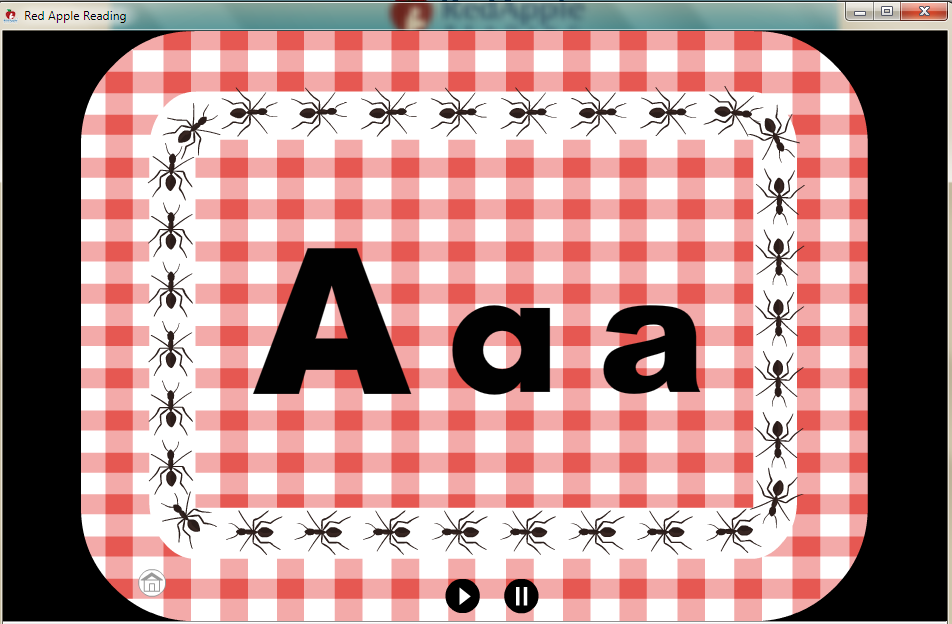
1) Which is capital and which is lowercase.
2) How the letter can be written in other forms. Notice the two (2) lowercase "A". Especially helpful with "L" and "I".
4) What sound does that letter makes.
4) At least five (5) examples of words that start with that letter.
5) A sentence full of words that uses that letter. That specific letter is highlighted in red. Though in this example, I noticed an error with "he", "H" shouldn't be highlighted.
6) Recap of the capitalization and sound.
7) That worm surrounded with letter "A" said "Now let's play some games with the Letter ...". But there's really no game because that's the end of the video. Your turn then comes in. Either continue with a game with your kid or just let her continue with the lesson.


Here's the second resource I downloaded, Sight Words videos. You'll notice twenty (2) number. Each number represents a lesson and each lesson is composed of five (5) sight words. You can do one lesson a day and review the previous one before starting the new one.

For the first lesson, the words "the, and, a, of, to" is discussed. "The", t-h-e spells "the", as in The boy can skate. That's how you'll hear it. These words will also be reviewed twice before the video ends. The first time, there will be a sound, the last one, there's none, so your child can try to read the sight words aloud on her own.


In Lesson 1, the short and long phonics sound of "A" will be discussed. For this map, you'll have 25 lessons plus a Unit Review.


Notice in the lower-left hand corner that there are some checked items. That means you're done with those lessons. The video icon is for the lesson itself, then at least three (3) different activities are included. The last icon represents the lesson review. By the way, here's how the activities are going to look like:


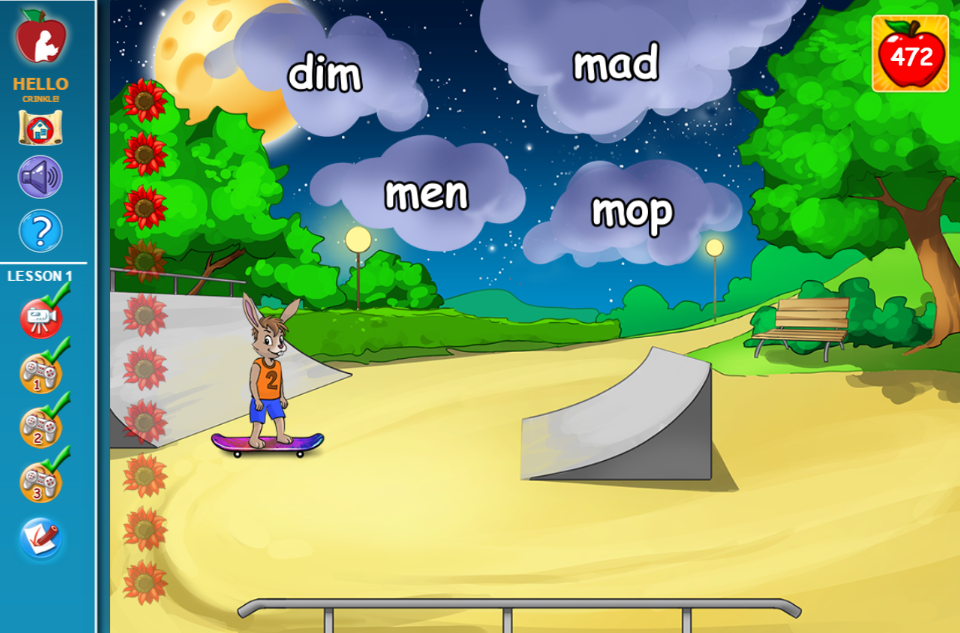


Yes, it'll be graded and they will also show in the progress report charts which you can access in the parent's account.
Also from the site, you'll have access to the app I discussed awhile ago ~ the ABC tree. :)

If you go to the main map, you'll notice Test 1 and Test 2. Here's how the first part would look like:

Though I haven't explored the higher levels, overall, I really love this program! I think it will really help my daughter prepare for her school next year! I plan to use this everyday for at least 30 minutes, or one (1) lesson each day. :D
Besides the computer apps and the online lessons/activities, you'll also have an access to members-only apps for your iPhone, iPad or Android devices! Awesome, right? Well, I don't think my review or explanation would suffice, so to give you a more time to check it out for yourself, here's a chance for a hands-on experience, a GIVEAWAY! :)
Before I do that though, read what Red Apple Reading has to say:
Red Apple Reading makes learning to read fun for children ages 4 to 9, teaching fundamental reading skills online with animated videos and games! The HD graphics and lovable characters captivate young school-aged children, turning them into active, confident readers.-Over 700 fun activities and videos-Phonics, sight words, vocabulary, and reading comprehension-Great for struggling readers, English learners, and early readers-Children play games and learn at their own pace-Developed by educational experts and aligned to Common Core-Members-only apps included with online purchase-Free Trial lets you try before you buy
This giveaway is open to US and Canadian residents only. The prize will be awarded as digital certificate via email or certificate via snail mail, whichever the winner prefers. This will be an unlimited access for up to three (3) kids. :)
DISCLOSURE
I received one or more of the products mentioned above for free using Tomoson.com. Regardless, I only recommend products or services I use personally and believe will be good for my readers.
